




Discuss.io Announces New Whiteboard Screenshot Feature

At Discuss.io, we’re constantly striving to improve our platform and our user’s experience. That’s why every two weeks we ship new updates to our platform. These biweekly releases iterate on existing functionality, fix bugs, and add new features.
Our team of developers works really hard each release sprint to improve our platform and create new and helpful features for our users. We want to acknowledge their work and showcase the exciting improvements being made on our platform. That’s why today, we’re launching a new effort to regularly highlight these changes on our blog.
With this first release blog post, we are excited to announce a new feature that allows moderators to capture screenshots of the Whiteboard. While the session is in progress, the moderator simply clicks on a “Save Screenshot” button in the Whiteboard toolbar (circled above). These screenshots are then saved to the archive, for easy access (and download) after the session is complete.
This feature helps researchers to easily keep track of and reference user feedback after the session has ended. This information can be shared internally to drive home poignant insights gathered during the session, especially when conducting product and concept testing.
Like what you see? Schedule a demo to learn what other features Discuss.io has created that will enrich your research experience.
Ready to unlock human-centric market insights?
Related Articles
What the 2026 Forrester Experience Platforms Wave Says About the Future of Research
Discuss was named a Leader in The Forrester Wave™: Experience Research Platforms, Q1 2026 and received the highest score in…
Discuss was named a Leader in The Forrester Wave™: Experience Research Platforms, Q1 2026 and received the highest score in…
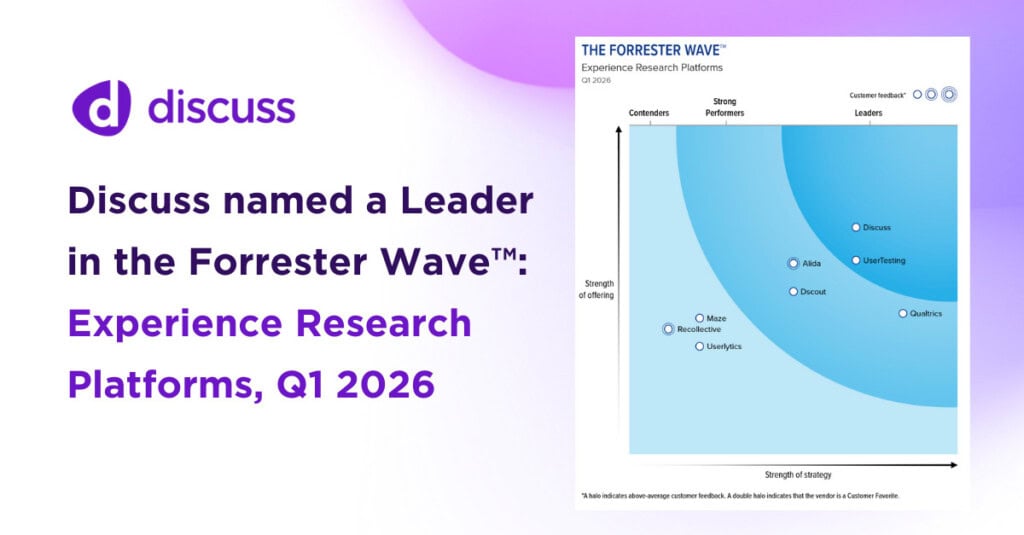
We Took a Big Swing. Now Discuss is a Leader in The Forrester Wave™: Experience Research Platforms, Q1 2026
By Adam Mertz, Chief Strategy Officer, Discuss A couple of years ago, we made a call: the way experience research…
By Adam Mertz, Chief Strategy Officer, Discuss A couple of years ago, we made a call: the way experience research…

Built for What’s Next: What 2025 Recognition Signals About 2026 Market Research Technology
By Jackie Holiwell, Customer Marketing Manager at Discuss As we step into 2026, we’re focusing on more than new features…
By Jackie Holiwell, Customer Marketing Manager at Discuss As we step into 2026, we’re focusing on more than new features…